Music visualizer for macOS
Music you can see.
Synesthia turns whatever your Mac is playing into light. It splits the sound into 64 bands, sixty times a second, so a kick, a snare and a cymbal each move something different.
Free · macOS 15 or later · Apple silicon or Intel · 4.4 MB
Visualizers
Same song, different eyes.
Every visualizer reads the same 64 bands and arrives somewhere different. Switch with⌘ and a number, without stopping the music — each one remembers its own Sensitivity, Speed, palette and sliders, so switching back restores the look you set.
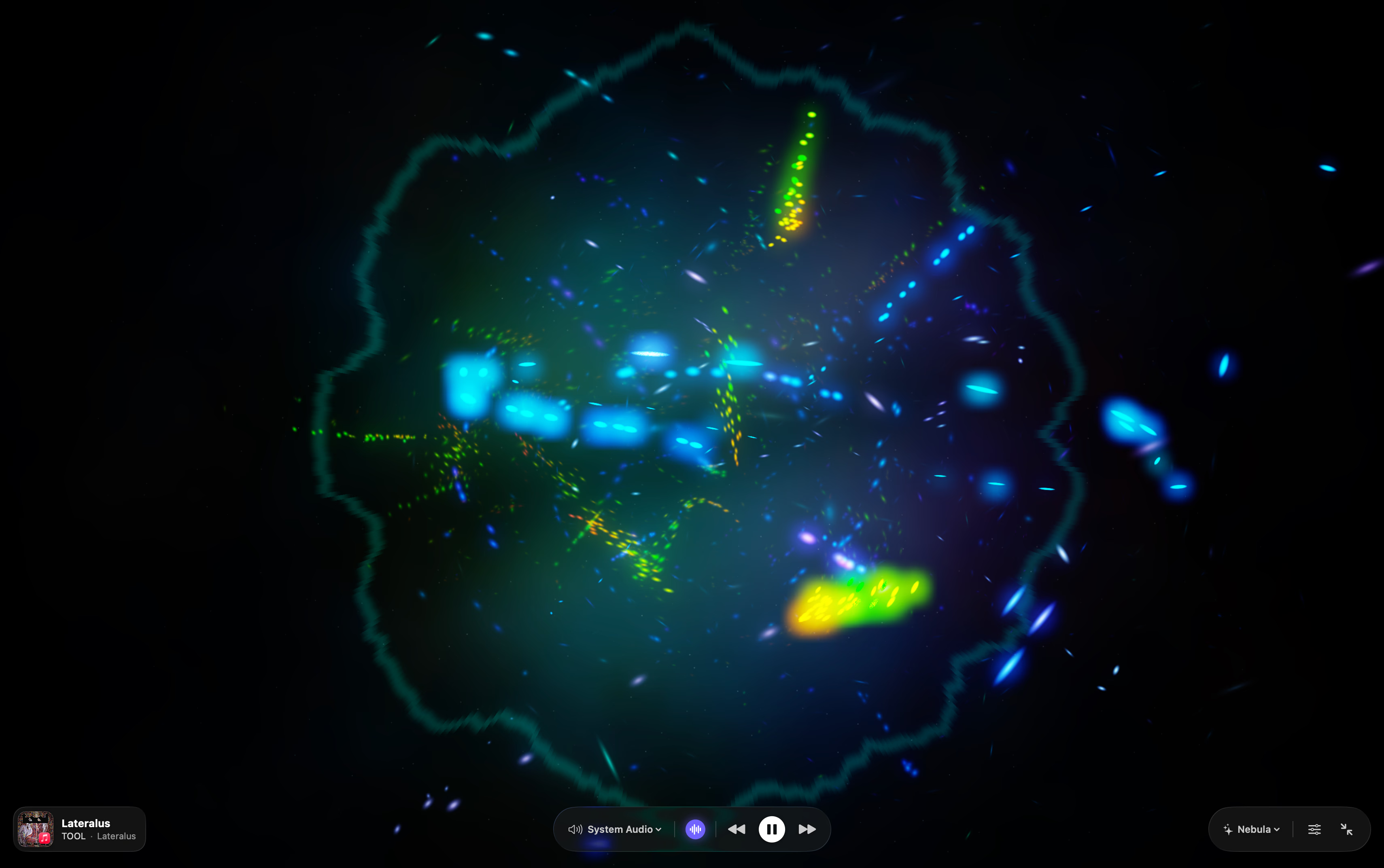
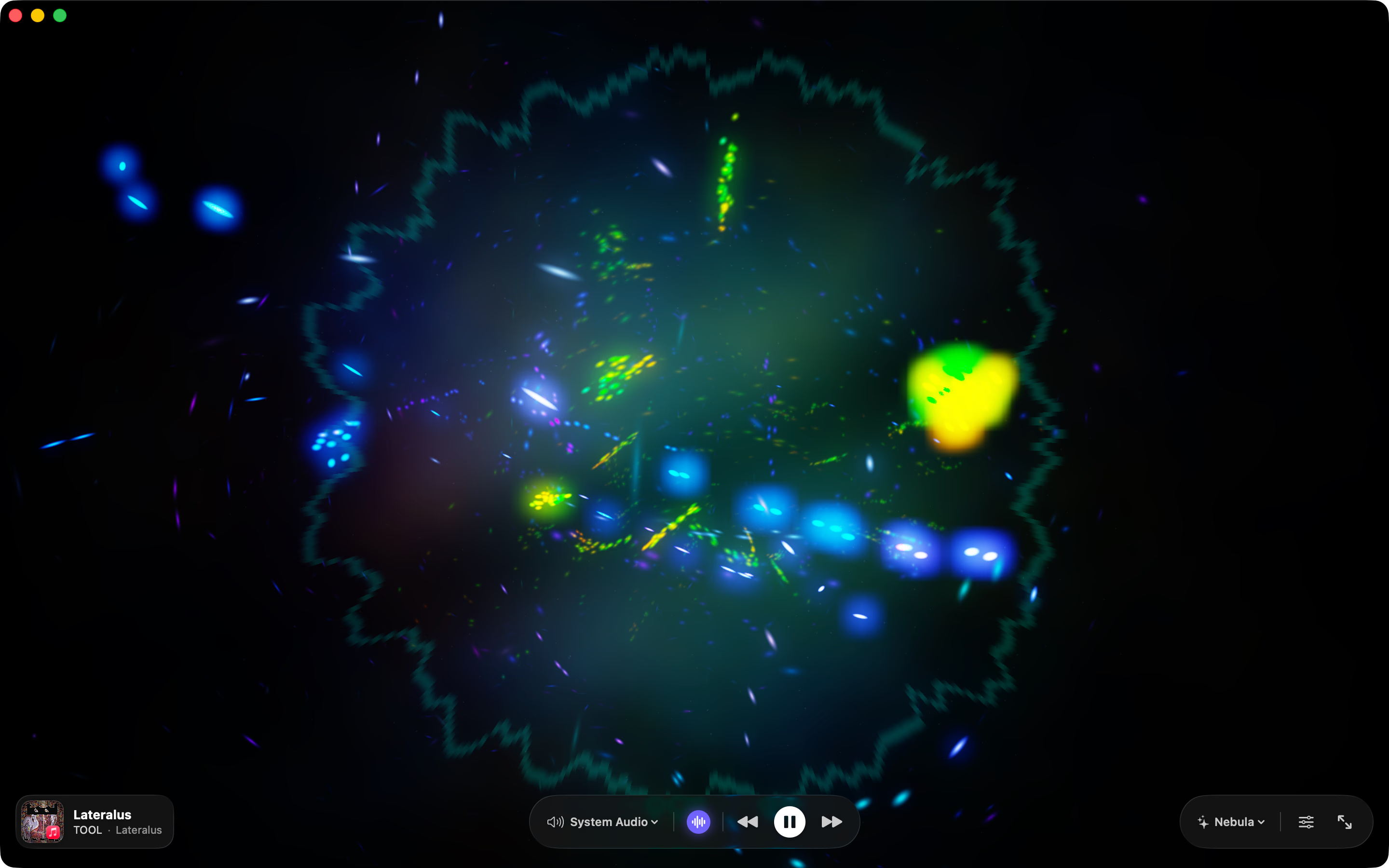
Nebula
Density · Turbulence · Swirl
A hundred thousand particles, all simulated on the GPU. Bass holds the core, mids shear into a disc, hi-hats throw comets.
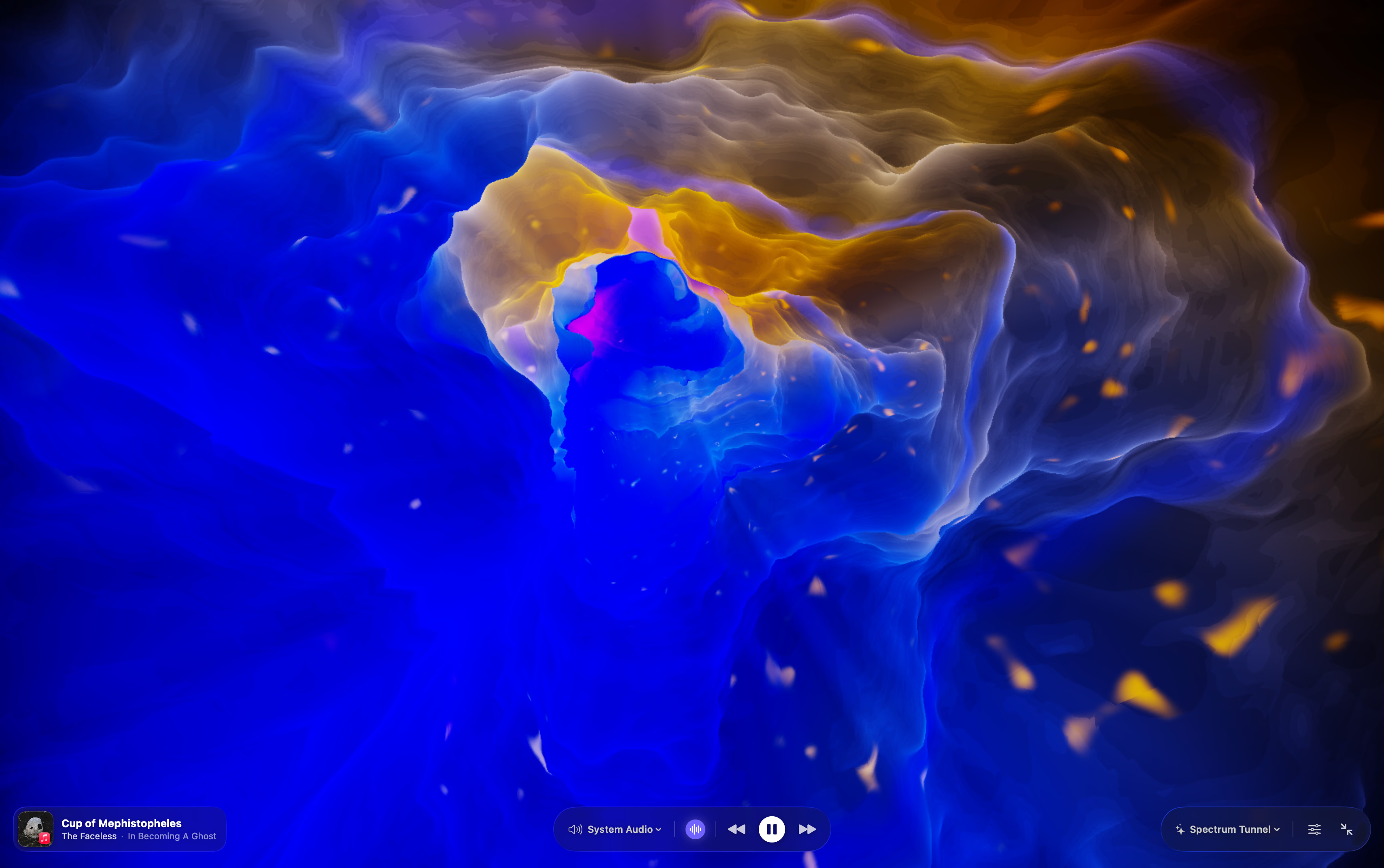
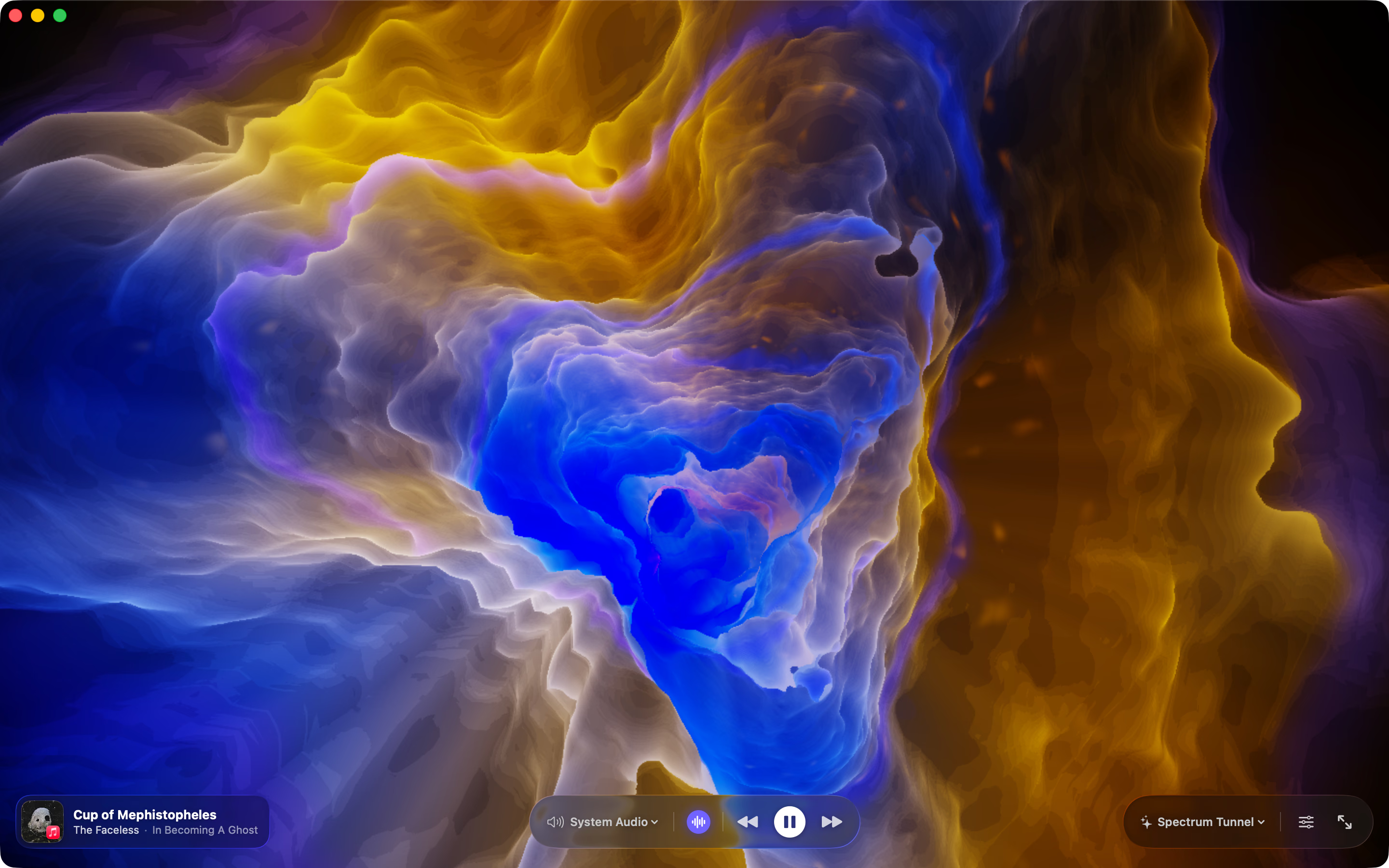
Spectrum Tunnel
Twist · Bend · Fog
A cave raymarched out of the spectrum itself. Loud bands push the rock in, and the bends really do hide what is behind them.
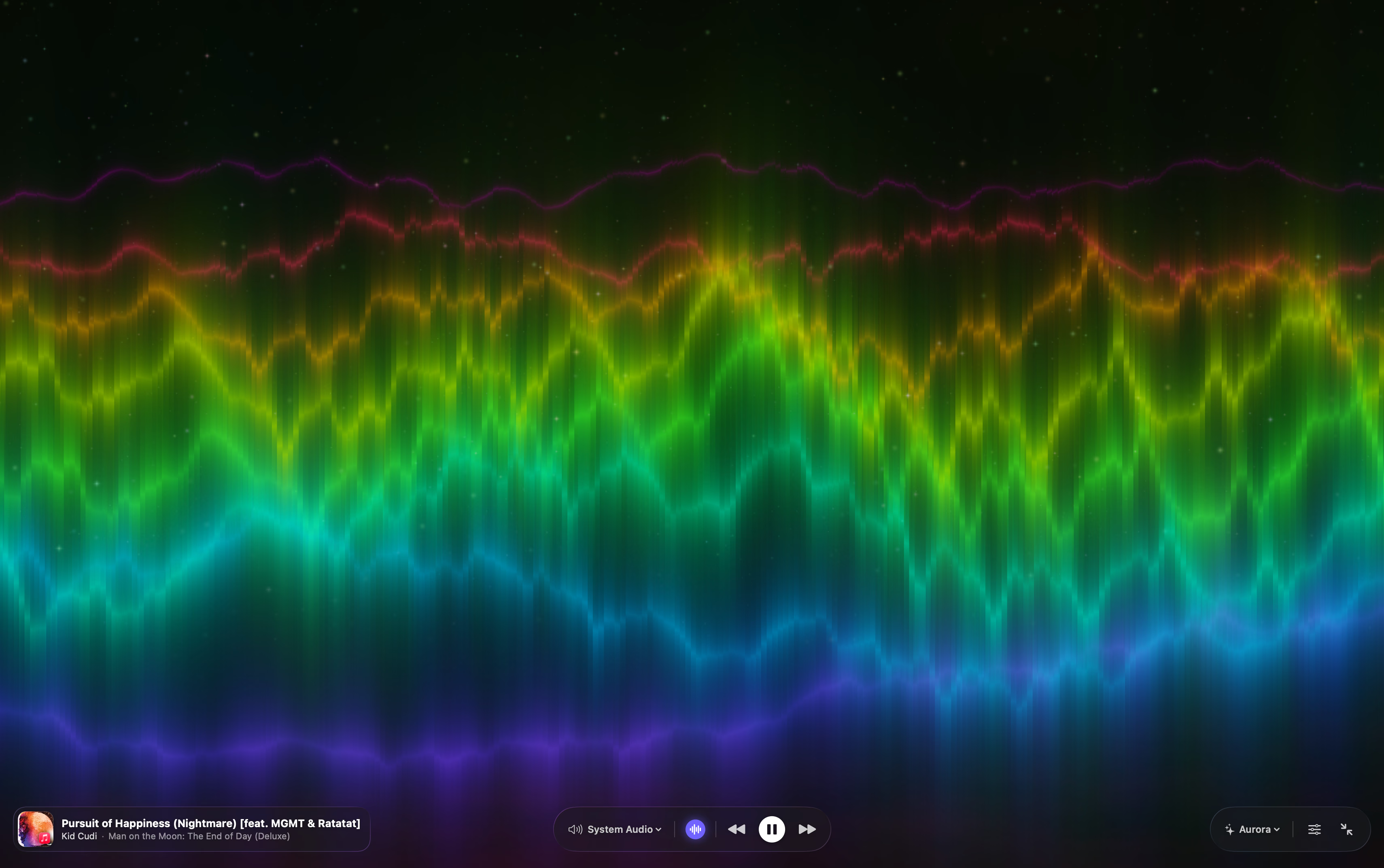
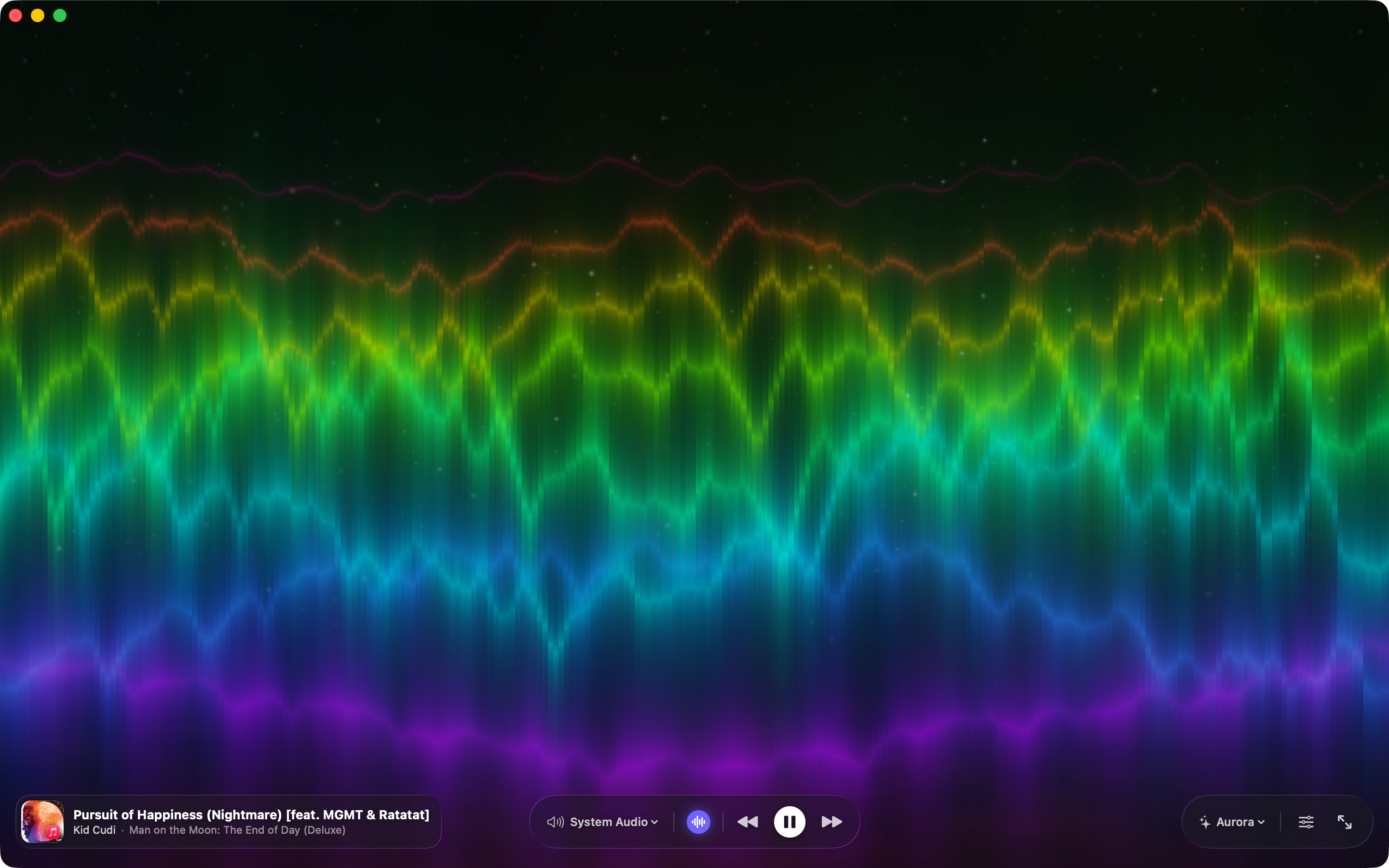
Aurora
Ribbons · Wave height · Stars
Eight ribbons, one per register — sub-bass on the horizon, air at the top. Kicks and hi-hats light the constellations.
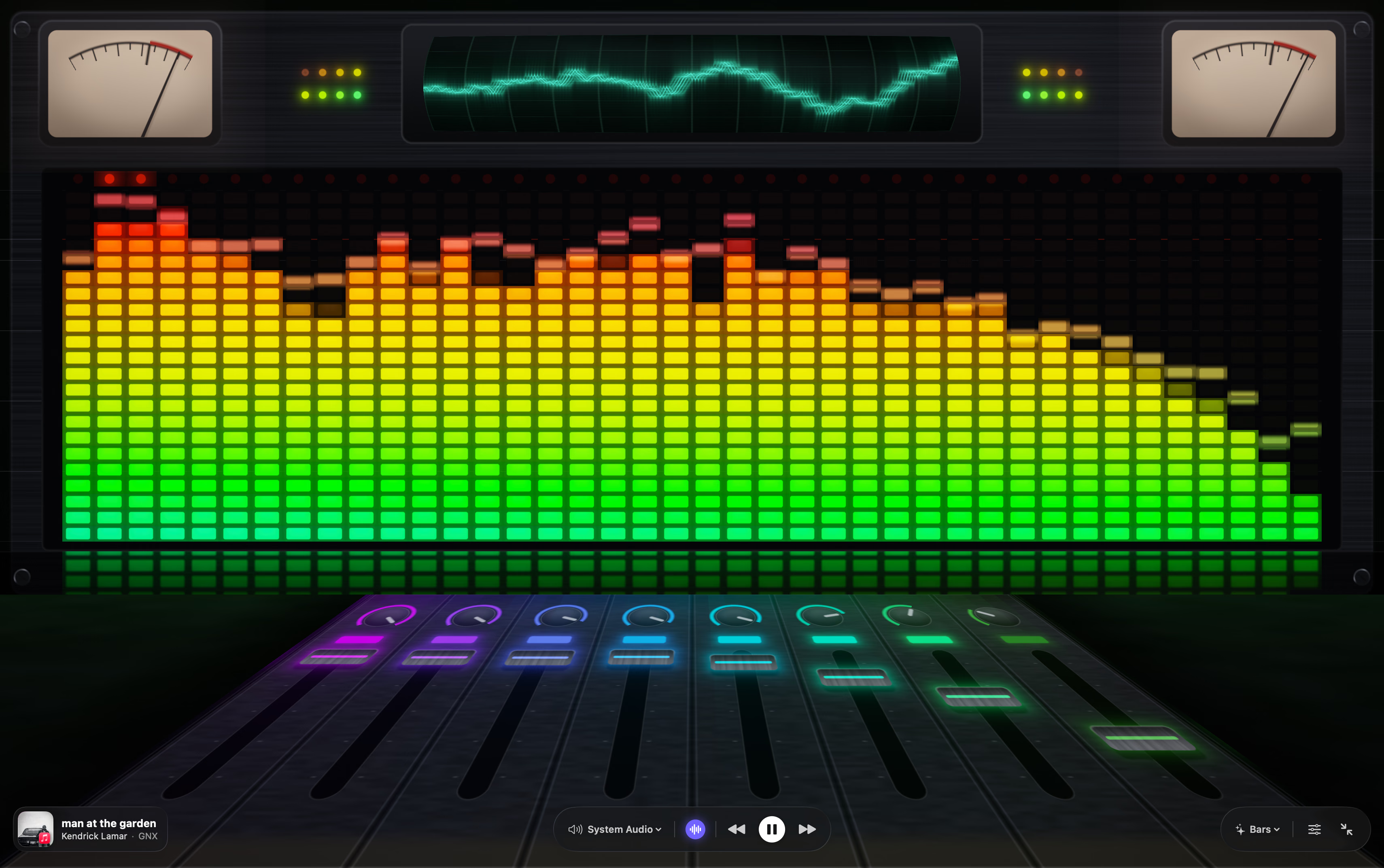
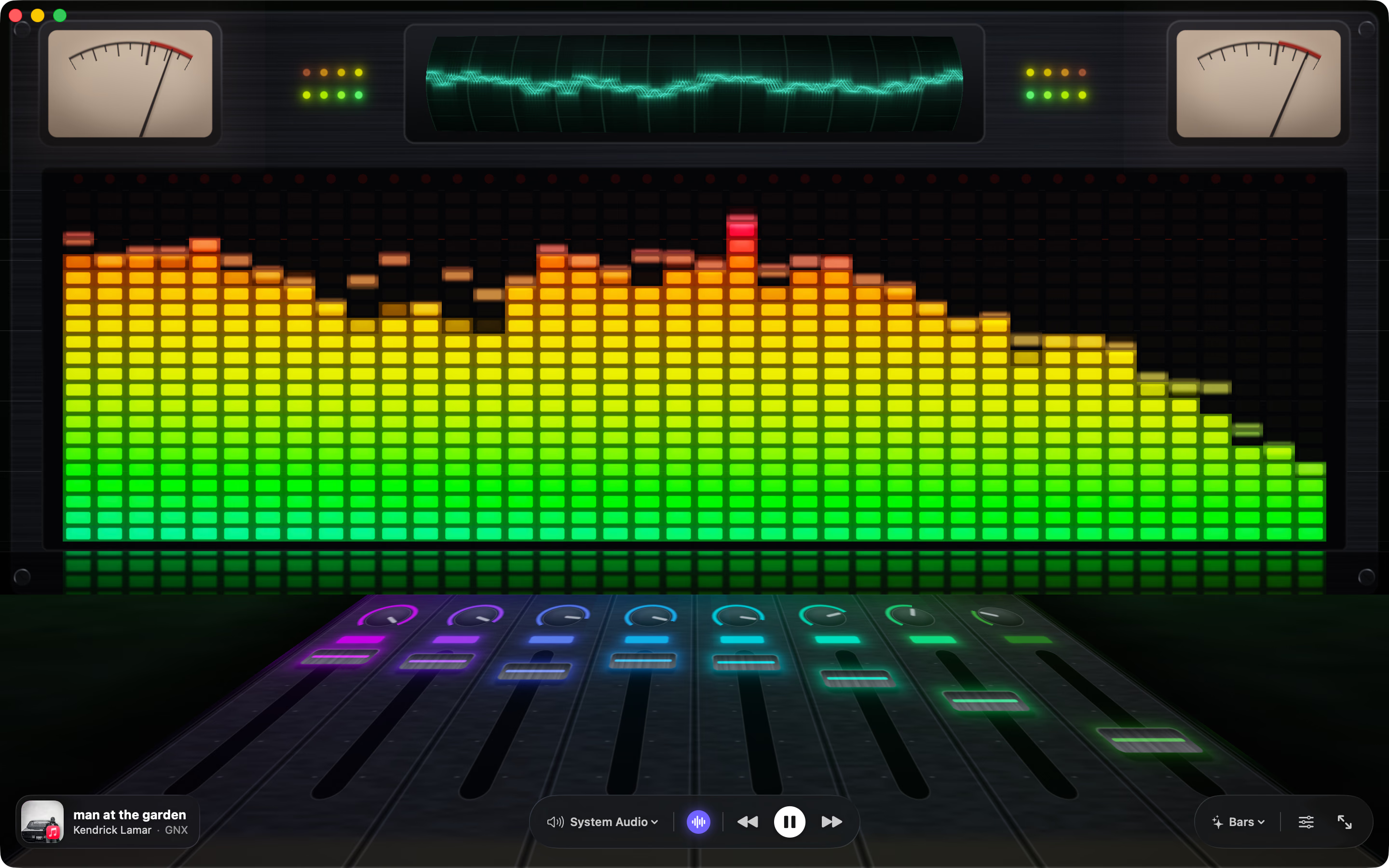
Bars
Columns · Peak hold · Meters
A mixing desk that plays the track. LED columns with hanging peak caps, VU needles with real ballistics, faders riding the mix.
- Prism
- Ember
- Ocean
- Violet
- Mono
Sources
It listens to anything your Mac plays.
macOS asks once for Screen & System Audio Recording — it is the only way it lets one app hear another. Synesthia keeps the sound and throws the picture away. Naming the track needs no permission at all: Music and Spotify already announce it, and Synesthia listens.
System audio
Music, Spotify, a browser tab, a game — whatever is coming out of the speakers. Names the track, too.
Audio input
A microphone, an interface, line-in — any input device.
Audio file
Plays a file from disk, on loop, inside the app.
How it works
Sound to light, sixty times a second.
Hear it
System audio · mic · file
Point it at an app, an input, or a file. The audio is read and dropped — nothing is recorded.
Split it
64 bands · 30 Hz–16 kHz
A Fourier transform splits each slice into log-spaced bands, so the low end gets the detail it needs.
Read it
Kick, snare, hi-hat
Bass, mids and treble drive different parts of the picture. A bassline and a cymbal never move the same thing.
Draw it
Straight to the GPU
Metal shaders draw the newest reading, at whatever refresh rate your display runs — 120 Hz included.
Native
Built like a Mac app.
Controls that get out of the way
The bottom bar fades after a few seconds of stillness. Real fullscreen leaves nothing but the visualizer.
Open to new visualizers
Every visualizer is a plug-in: declare your sliders, write a Metal shader, and the app builds the UI. MIT licensed, on GitHub.
Keyboard
- Space
- Play or pause
- ⌘1–4
- Switch visualizer
- ⌘→
- Next track
- ⌘O
- Open an audio file
- ⌃⌘F
- Fullscreen